Overview
This project provides a setting for public speaking practice in which the audience is recorded video rather than an imagined one. Users wear a VR headset and deliver a talk in front of stereoscopic 3D video of real audiences, ranging from a small executive meeting room to a full classroom. The audience is recorded footage rather than computer-generated avatars, and sessions can be repeated.
16 videos were filmed in 6 real rooms with audiences ranging from 4 to 32 people: a 4th-floor classroom (32), the Sirivadhanabhakdi meeting room (4), the Dr. Somsak meeting room (32), room 702 (22–32), room 202 (24–32), and the AS Lab (4).
How it works
- Capture Audiences are filmed in real rooms with a stereoscopic VR camera setup — a Canon RF5.2mm f/2.8L Dual Fisheye lens (180° stereoscopic 3D), on loan courtesy of Canon Thailand.
- Render to stereoscopic video Footage is converted, edited, and rendered into stereoscopic video ready for VR devices.
- Practice Users rehearse their talk in a VR headset in front of the recorded audience.
Media
Demo video — audience footage for VR practice.
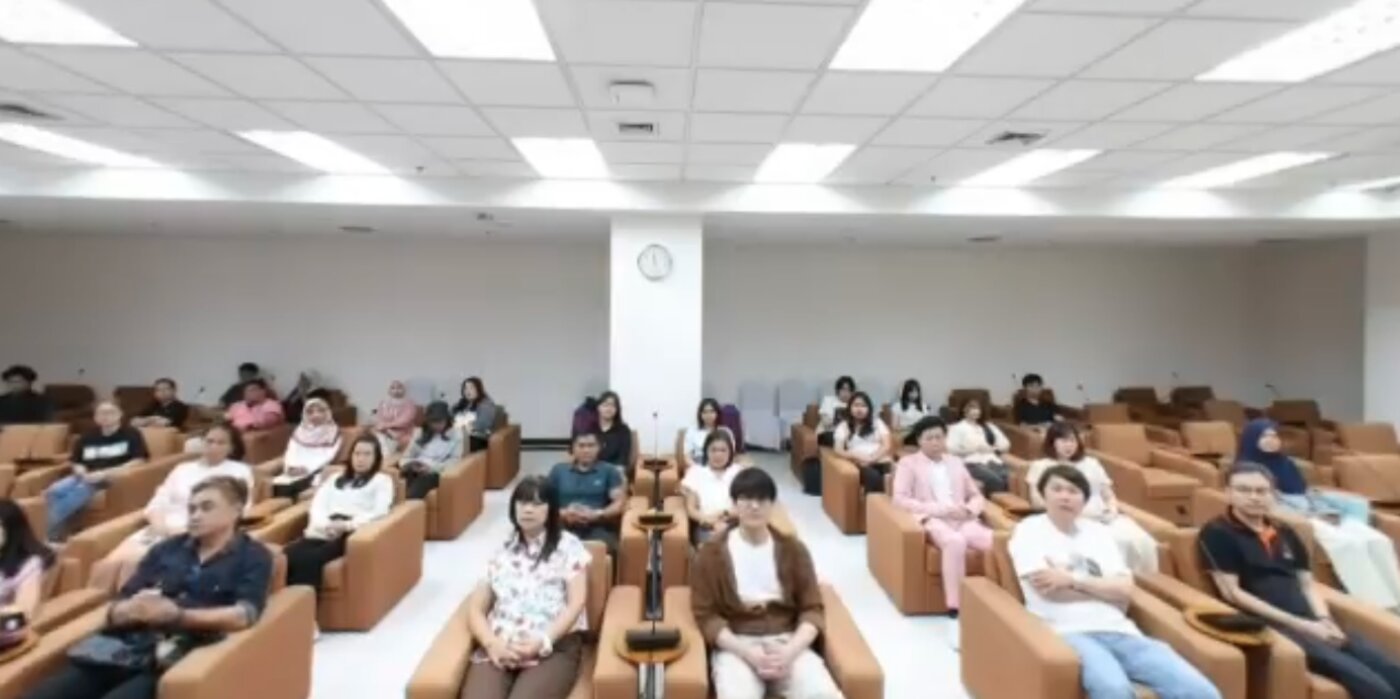
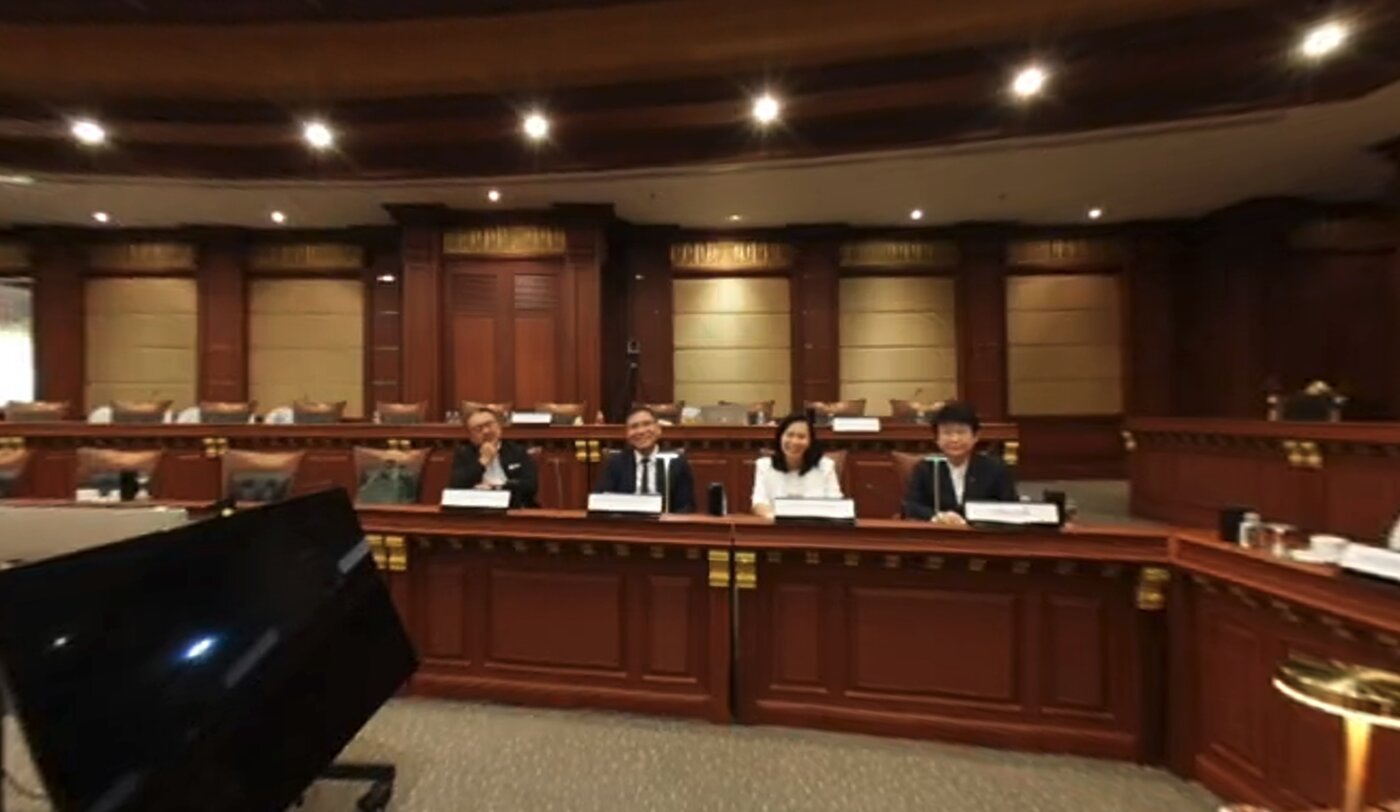
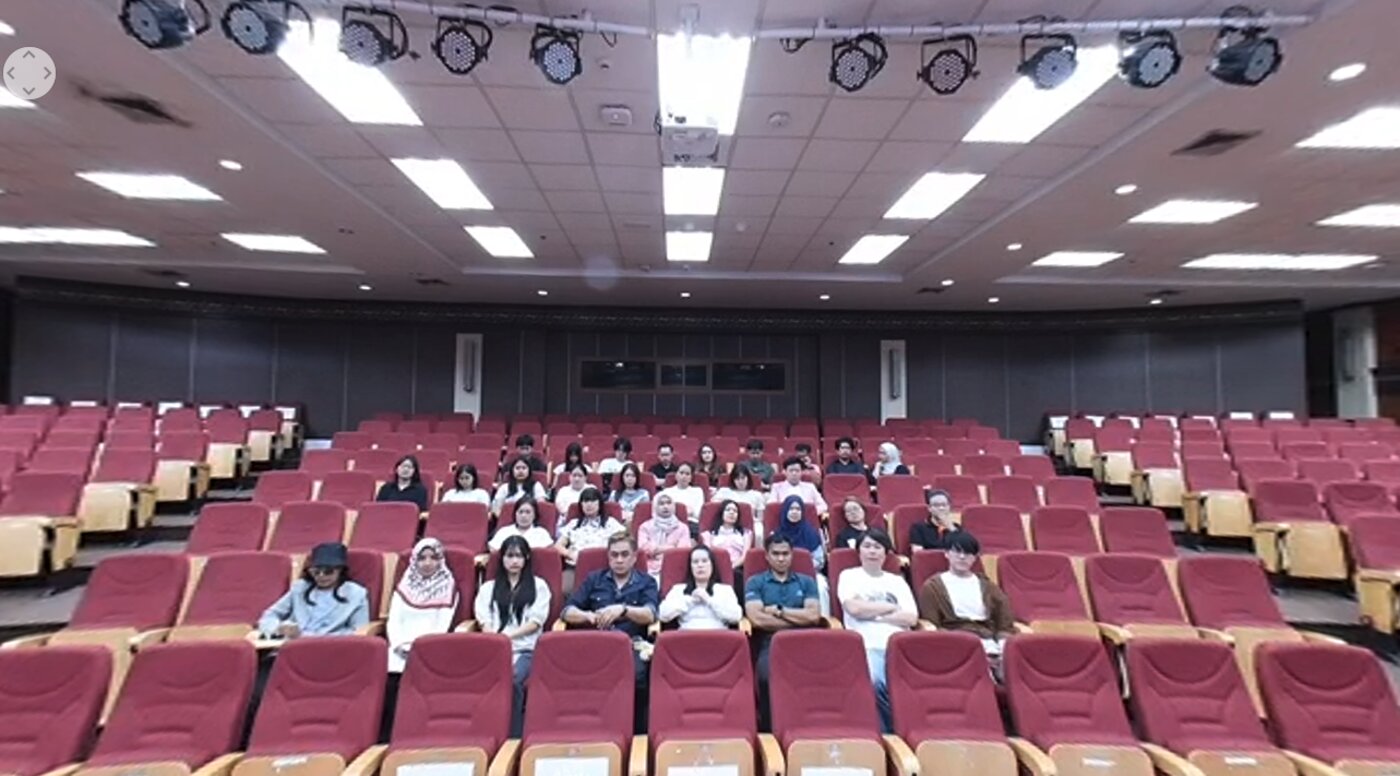
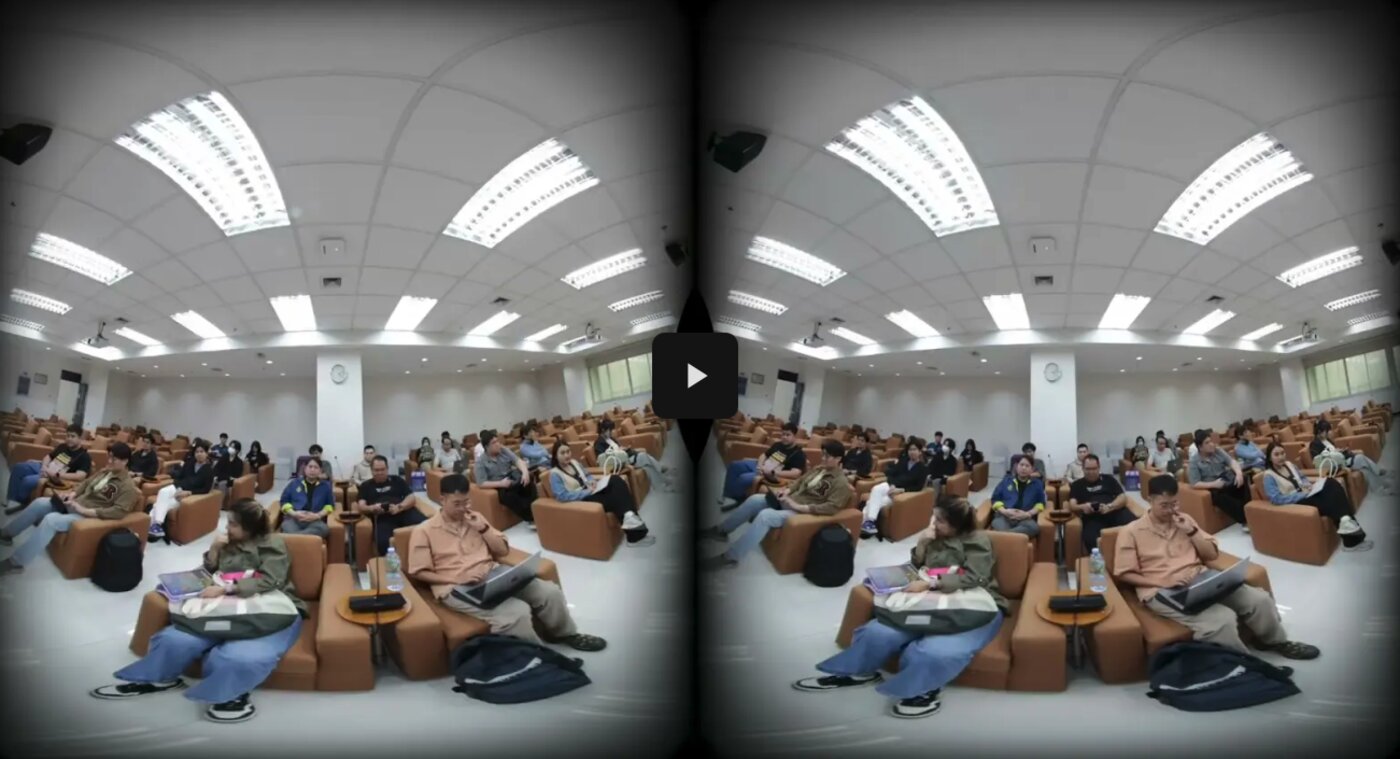
Testing
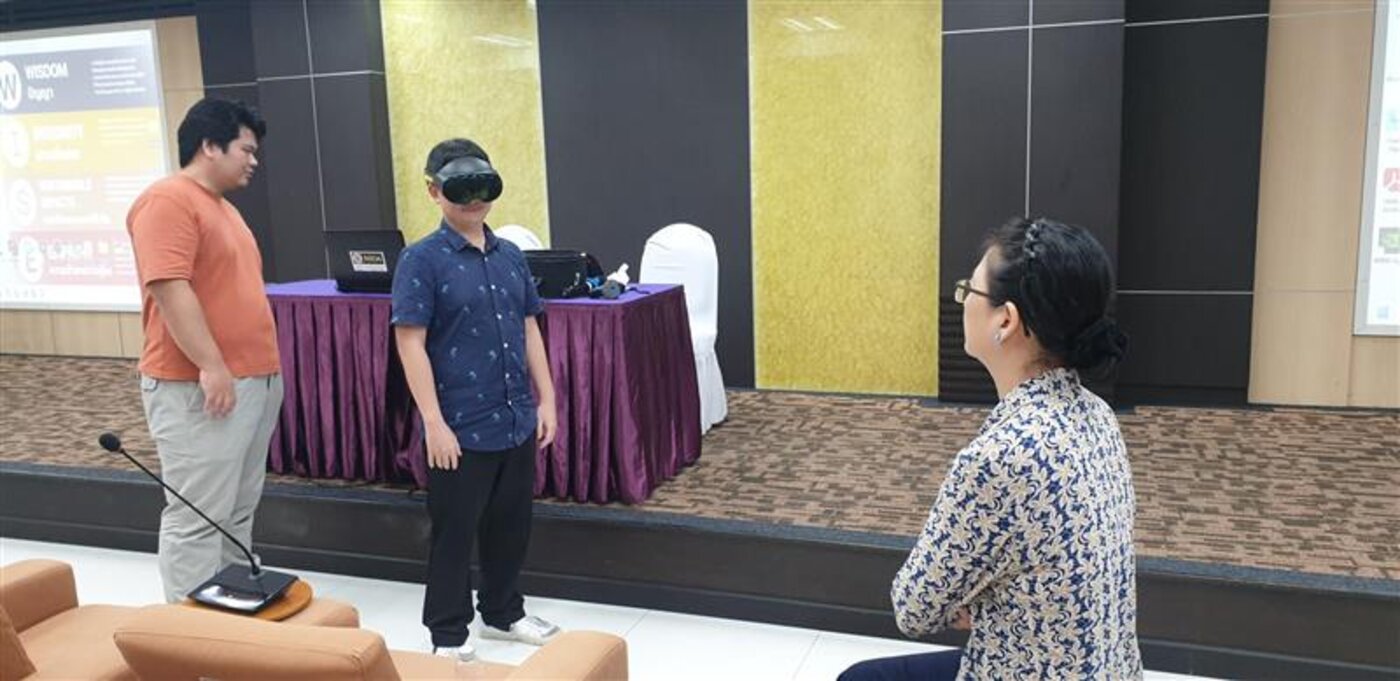
The system has been tested with participants in an experimental setting, with guidance from Asst. Prof. Aree Manosuthikit of the Graduate School of Language and Communication, NIDA, who advises the project on public speaking instruction. It is not yet used in a regular course. Reported feedback was positive, with realism the most frequently mentioned aspect — the impression of listeners seated in front of the speaker — which participants reported as useful for practicing confidence and delivery control.
Future work
- Make the videos available through the library for students to use